
Engagement letters in minutes. Signed before the season starts.
Engagement letter software for CPAs and tax preparers.
Generate a professional engagement letter for any service, review the language once, and reuse it for every client without rewriting it or hunting through old Word templates. Scope language designed around AICPA guidelines for 1040s, business returns, bookkeeping, and advisory. From first draft to signed agreement in minutes.
Start freeYou won't need a credit card to get started.
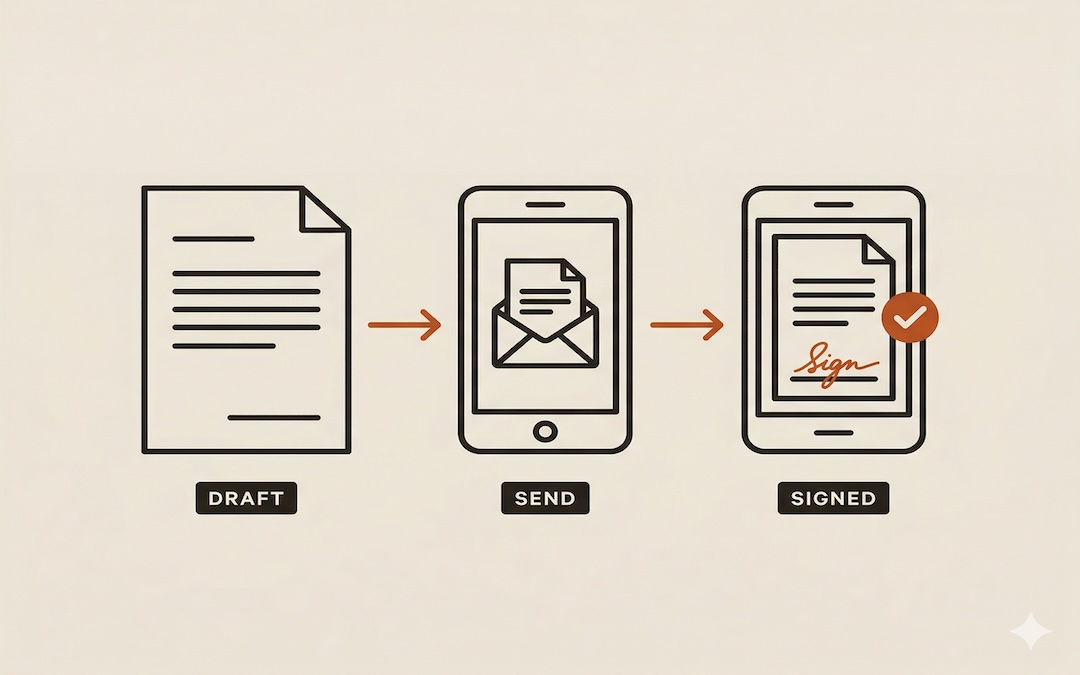
Most tax practitioners send the first invoice before the engagement letter is signed. That is when disputes start.
1040 clients. High volume, low touch. The letter barely changes year to year. Opening last year's Word file, finding the client name, saving a PDF, and emailing it is a few minutes of friction most practitioners absorb. Some skip the letter for straightforward returns and know they are cutting a corner.
Business and bookkeeping. The engagement varies more. Scope disputes happen here. Many practitioners rely on a signed proposal instead of a dedicated engagement letter. A signed proposal describes the services and the fee. It does not define what is expressly excluded, what liability is limited to, or what happens when the client disagrees with the work. A signed proposal is not an engagement letter.
Advisory and consulting. Highest variation in scope, highest liability exposure, and the engagement most likely to go without a clean letter because drafting one from scratch takes too long. This is where scope gaps cause real problems and where the specific language in the letter matters most.
Without EngageDraft
The old process
- Word templates with stale client names
- Hours spent formatting, saving, converting to PDF
- Emails that go unanswered for days
What it costs you
- Season starts before the letter is signed
- Scope disputes with no paper trail
- Liability you did not know you were carrying
Three steps to a signed engagement letter.
01
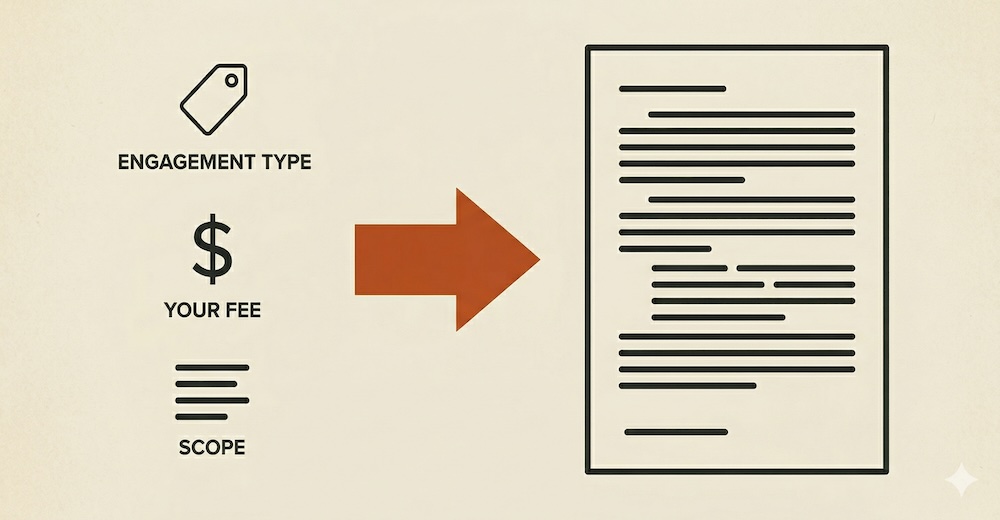
Pick the engagement type
Choose from five service types. EngageDraft knows the right language for each one.
02
Answer a few questions
Client name, scope, fee. Two minutes, max.
03
Send for e-signature
Your client gets a professional letter. You get a signed agreement back.
Engagement letter software built for CPAs and tax preparers.
Letters Written for Engagement
Real letters. Not filled-in templates.
Most tools drop your client's name into a pre-written paragraph and call it custom. EngageDraft uses AI to write the scope language from scratch, specific to the engagement type, the fee model, and the work you have described. The difference is a letter that reads like a professional drafted it, because one did. Once the language has been approved for an engagement type, it does not change. Every client gets exactly what was reviewed.
Built-in E-Signature
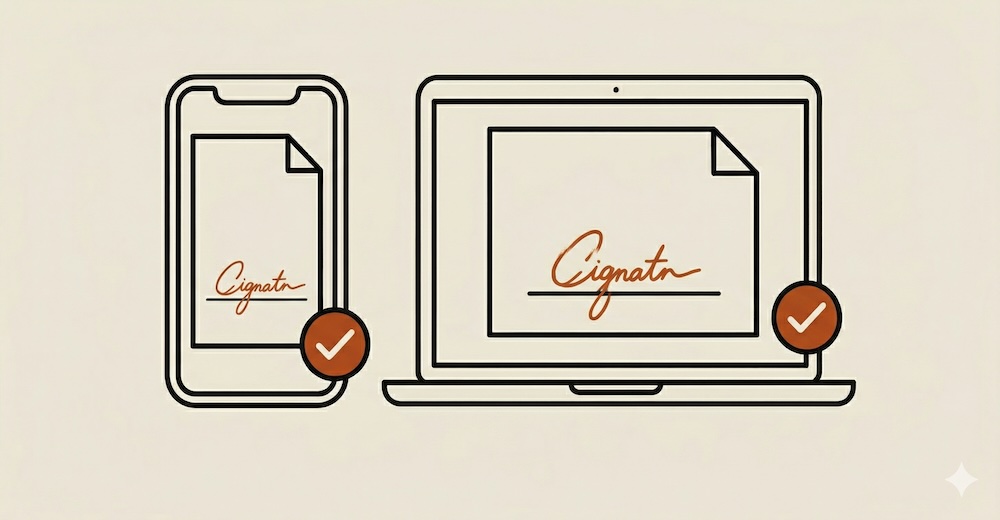
Clients sign from their device. You get a record.
EngageDraft sends your client a notification with a link to review and sign the engagement letter. No printing. No scanning. No PDF attachments that end up ignored in a spam folder. You see the signed status directly in your dashboard.
Engagement Dashboard
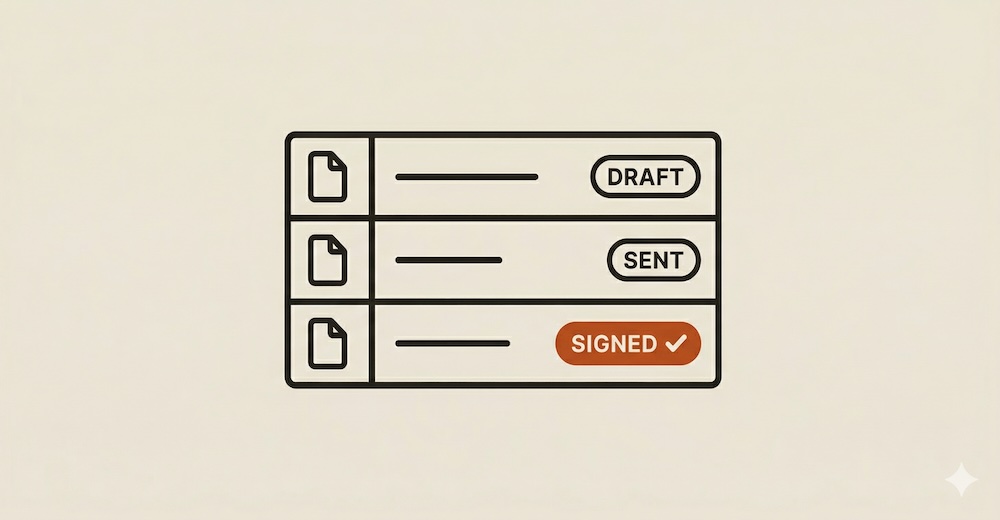
Every engagement, tracked in one place.
See the status of every engagement letter — draft, sent, or signed — without digging through email threads or file folders. Know exactly where each client stands before the season starts.
Multiple Engagement Types
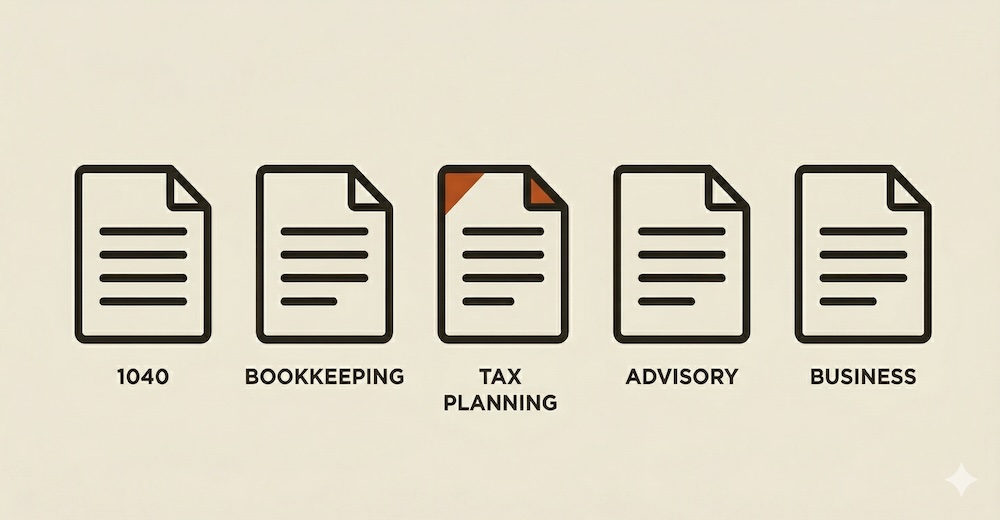
1040s. Bookkeeping. Advisory. Business returns.
EngageDraft covers the engagement types that make up the core of an independent practice. Each type has its own AI logic, so the letter it generates reflects the right scope language, liability limits, and service expectations for that specific kind of work. See the AICPA and Circular 230 standards each letter is designed around.
Pricing
Engagement letter software priced for independent practices. Not enterprise firms.
TaxDome starts at $50 a month. Ignition starts at $79. They are powerful platforms built for large teams with complex workflows. EngageDraft does one thing and does it exceptionally well. See how EngageDraft compares.
$20/month
Less than one billable hour.
Simple, transparent pricing.
Less than one billable hour a month.
$20 / month
- Unlimited engagement letters
- All engagement types
- Built-in e-signature
- Engagement dashboard
- AI-written scope language
- Email support
Cancel anytime.
$54 / quarter
Save 10% vs monthly.
- Unlimited engagement letters
- All engagement types
- Built-in e-signature
- Engagement dashboard
- AI-written scope language
- Email support
Billed every 3 months. Cancel anytime.
$200 / year
Save 17% vs monthly.
- Unlimited engagement letters
- All engagement types
- Built-in e-signature
- Engagement dashboard
- AI-written scope language
- Priority email support
Best value for established practices.
Common questions.
Yes. The AICPA recommends engagement letters for all tax preparation services, and many state boards require them. An engagement letter protects you from scope disputes, fee disagreements, and professional liability claims. Even for straightforward 1040 returns, a signed engagement letter establishes what you will and will not do before work begins.
A signed engagement letter generally functions as a binding agreement between a practitioner and their client, establishing scope, fees, and responsibilities. If a dispute arises, the engagement letter is typically the first document reviewed. EngageDraft letters include e-signature via a secure signing link, so your client can review and sign on any device. EngageDraft is a productivity tool, not a law firm. Consult your own legal counsel if you have questions about enforceability in your jurisdiction.
A proposal describes what you plan to do and what you will charge. An engagement letter defines the legal relationship: the scope of services, what is expressly excluded, your liability limitations, and the terms for resolving disputes. A client who signs a proposal has agreed to your services and your fee. They have not agreed to the limitations that protect you when something goes wrong. Most practitioners who skip engagement letters use a signed proposal as a substitute. It works until it does not.
A complete engagement letter should include: scope of services, client responsibilities, fee structure and billing terms, confidentiality provisions, limitation of liability, dispute resolution, and termination terms. For tax engagements, it should also reference applicable professional standards such as AICPA guidelines and Circular 230. EngageDraft is designed to generate all of these sections automatically based on the engagement type and details you enter. For a full checklist of what every letter should include, see the engagement letter guide for CPAs.
EngageDraft generates letters structured around AICPA engagement letter guidelines, with sections covering scope of services, client responsibilities, fees, confidentiality, limitation of liability, dispute resolution, and termination. That said, EngageDraft is a productivity tool, not a law firm. Review every letter before sending and apply your professional judgment for any state-specific or licensing body requirements. See what every letter includes. Not sure what an engagement letter should cover? Read the guide.
Yes. Every letter is fully editable before you send it. EngageDraft gives you a strong starting point. You are always in control of what goes to the client.
EngageDraft does not use a general-purpose prompt. Each engagement type runs on a controlled system prompt built around AICPA engagement letter guidelines, specific scope language, and the fee model you enter. The output is not a guess. It is structured around the same frameworks your peers use.
The current version supports Individual Tax Preparation (1040), Business Tax Return, Bookkeeping (Monthly), and Tax Advisory / Consulting. Additional types are planned based on practitioner feedback.
Your client receives an email with a secure link to review and sign the engagement letter. They can sign on any device. No account required on their end. The signed copy is saved to your EngageDraft dashboard automatically.
You can use EngageDraft as a starting point and edit it to match your preferred language. Your judgment always takes precedence. EngageDraft gives you a strong starting point, not a mandate.
If you are using TaxDome, Canopy, or a similar suite, check whether engagement letters are included in your current plan tier. EngageDraft is built for practitioners who want one focused tool that does this well, without the overhead of a full practice management subscription. See how EngageDraft compares to TaxDome and Ignition.
Yes. You can generate and send your first 3 engagement letters for free. You won't need a credit card to get started.
Cancel anytime from your account settings — no phone calls or forms required.
Protect your practice starting today.
Every client you start work for without a signed engagement letter is a risk you did not have to take.
Generate your first 3 letters free.